Server-Side Deployment Simplified: From Localhost to Cloud
Introduction
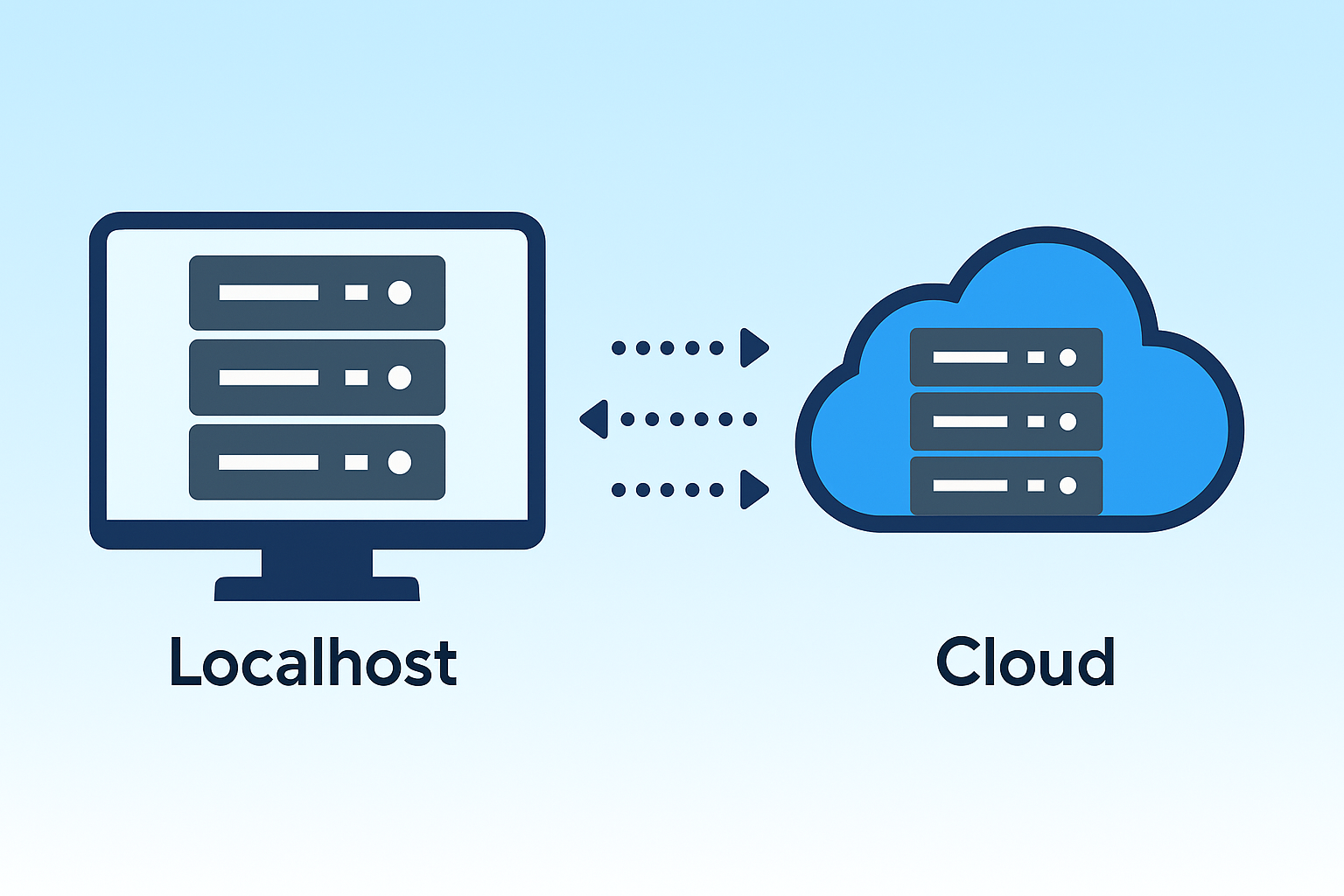
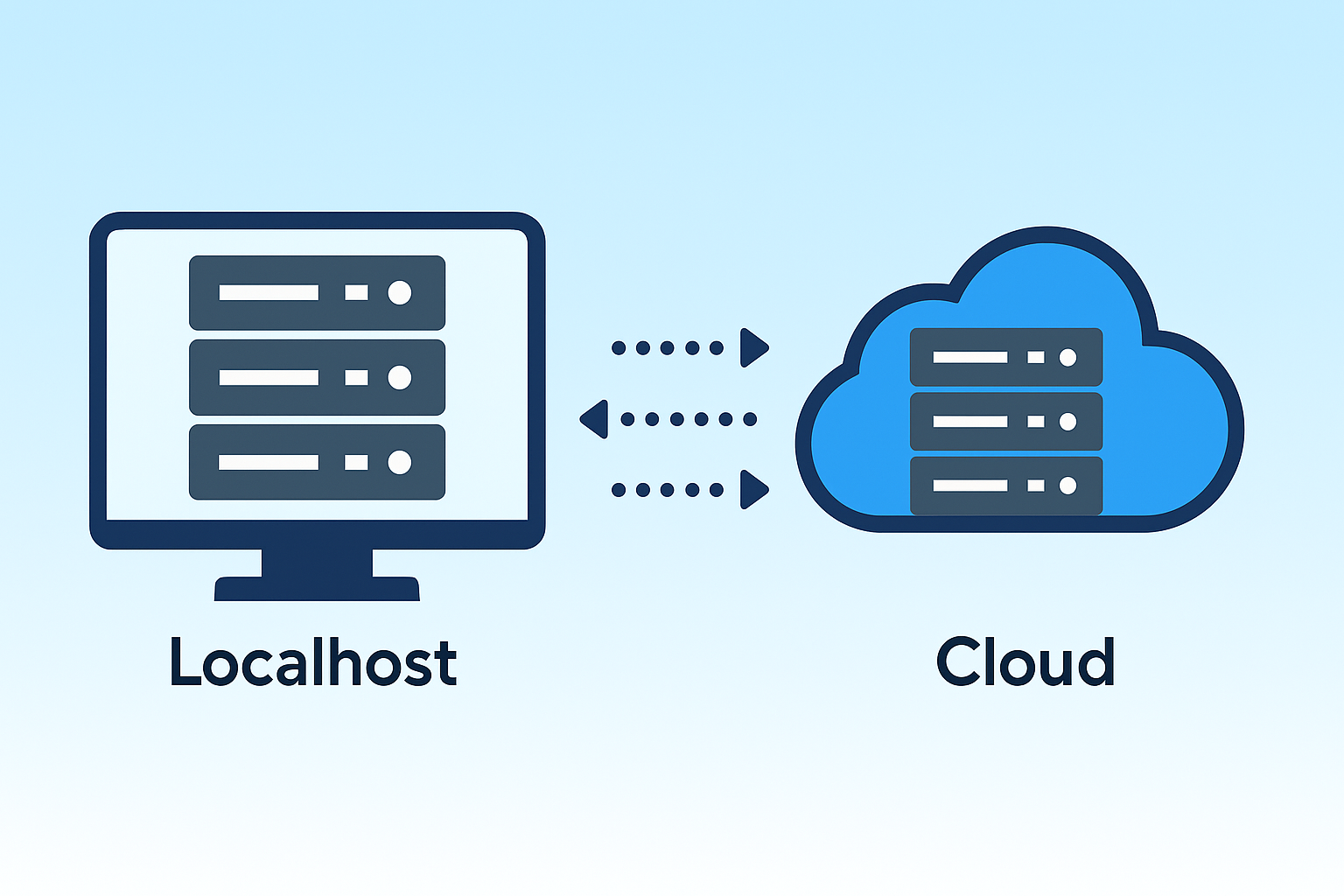
When you start building web applications, everything begins on your local machine—your localhost. It’s where you write code, test functionality, and refine your backend logic. But when your project is ready for real users, you must move it from your local environment to a production server—often in the cloud. This process is known as server-side deployment, and while it may seem complex, understanding the steps can make it surprisingly simple.
1. What Is Server-Side Deployment?
-
Server-side deployment is the process of taking a web application that runs locally and making it accessible to users over the internet. It involves moving your code, configuring the server, connecting databases, and ensuring your app runs securely and reliably in a remote environment.
In local development, everything runs on your computer (localhost:3000, for example). In production, your app lives on a remote server—like AWS, Google Cloud, Microsoft Azure, or Vercel—with a proper domain name and SSL certificate for security.
2. Preparing for Deployment
Before deploying, ensure your app is production-ready. This means:
-
Cleaning up unnecessary debug logs or test files.
-
Setting environment variables for secrets (like API keys and database passwords).
-
Using environment configuration tools like
.envfiles and secure key management. -
Optimizing your code for performance—compressing static files, enabling caching, and reducing unnecessary dependencies.
You should also containerize your application if possible. Tools like Docker help package your app and all its dependencies into a portable container, ensuring it behaves the same way on every machine—from your laptop to the cloud.
3. Choosing the Right Hosting Option
There are several ways to host your server-side app:
-
Traditional VPS (Virtual Private Server): Platforms like DigitalOcean, Linode, or Vultr give you full control of a Linux server. You handle setup, security, and scaling manually.
-
Managed Cloud Services: AWS Elastic Beanstalk, Google App Engine, and Azure App Service simplify deployment by automating much of the configuration. Ideal for medium to large applications.
-
Serverless Platforms: Providers like Vercel, Netlify, and Firebase manage the infrastructure for you. You deploy your app with one command, and they handle scaling automatically.
Choosing between them depends on your project’s size, budget, and performance needs. Small personal projects can run efficiently on serverless or VPS hosting, while enterprise apps often benefit from managed cloud environments.
4. Steps to Deploy Your App
-
Let’s outline a general deployment workflow:
-
Set up your production environment.
Create a cloud instance or container that matches your local environment (same Node.js, Python, or PHP version). -
Push your code to a version control system.
Use Git and connect your repository to the hosting platform. This makes updates and rollbacks simple. -
Install dependencies and configure the environment.
Runnpm install,pip install, or equivalent commands to rebuild dependencies on the server.
-
-
Connect your database.
Set up a production database (like MongoDB Atlas, PostgreSQL, or MySQL) and update your connection strings securely. -
Start your app.
Use process managers like PM2, Gunicorn, or Supervisor to keep your app running in the background even after reboots. -
Set up your domain and SSL.
Link your custom domain and use Let’s Encrypt or your hosting provider’s tools to enable HTTPS. -
Monitor and maintain.
Use monitoring tools such as UptimeRobot, Datadog, or New Relic to track performance, logs, and uptime.
5. Common Deployment Pitfalls
Many new developers encounter issues like environment variable mismatches, missing dependencies, or permission errors. Always check your error logs, confirm environment consistency, and avoid hard-coding sensitive data.
Scaling is another challenge—when your app grows, you’ll need to handle increased traffic using load balancing, auto-scaling groups, or content delivery networks (CDNs).
6. The Future: Continuous Deployment
Modern DevOps tools like GitHub Actions, GitLab CI/CD, and Jenkins allow you to automate deployment. Every time you push updates to your repository, your server rebuilds and redeploys automatically. This reduces downtime and ensures a consistent release process.
Conclusion
Deploying your server-side app from localhost to the cloud is no longer the intimidating process it once was. With containerization, managed hosting, and CI/CD automation, even solo developers can deploy robust, scalable web apps. The key lies in understanding your environment, securing your setup, and embracing automation. Once you’ve done it a few times, deployment becomes just another smooth step in your development workflow.